
Why your SSH session dies when you lock the screen
Why mobile SSH connections drop when an app is suspended, what the client does to stay scheduled, and how a remote helper keeps long-running shells alive.
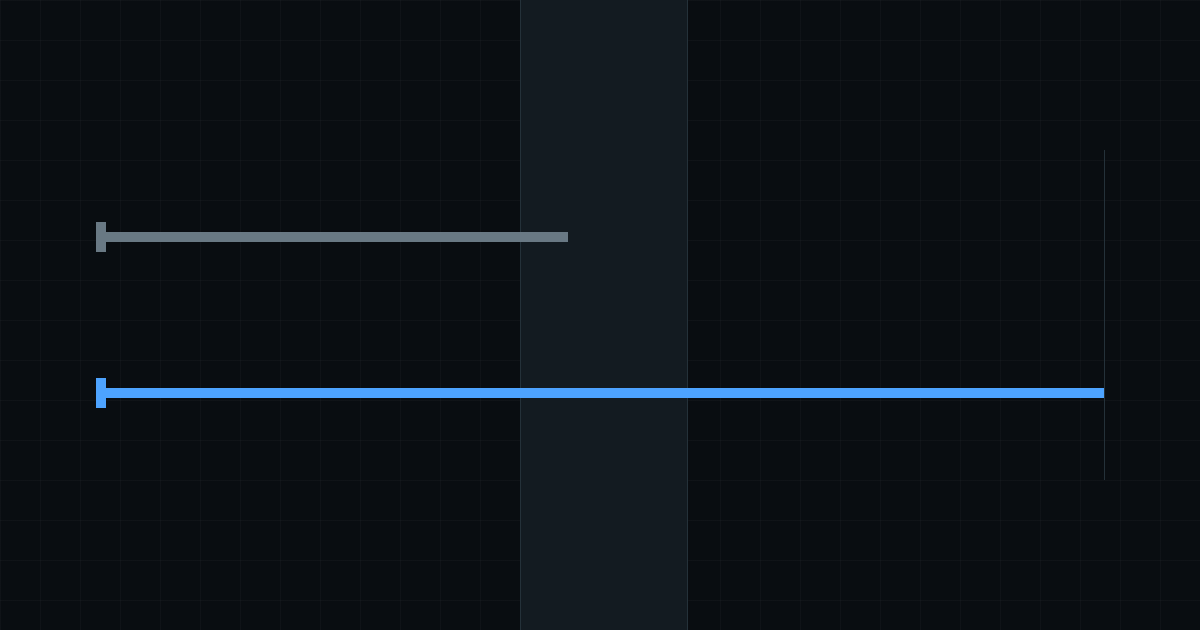
You start a build on a remote server from your phone. You tail a log file or run a command. Then you lock the screen and put the phone in your pocket. Two minutes later, you turn the screen back on. The terminal is dead. The prompt does not respond, and the connection drops.
The network was never the cause.
Mobile operating systems suspend an app once it stops being visible. A suspended process is not scheduled, so it cannot answer a TCP socket. An SSH session held by a suspended process therefore goes unanswered until the server’s keepalive gives up, and the connection is gone.
Reconnecting faster does not fix it. By the time the process wakes, the shell on the server has been reaped, taking the running command, the build and the log tail with it. You get a fresh shell, and the work you were waiting for is gone.
Suspending apps is correct behaviour, not a bug. The alternative is a device whose battery is gone by lunchtime.
Keeping the process scheduled
Where the platform offers a supported way to declare that an app is doing something the user asked for, the app uses it. While at least one session is connected, it runs as an ongoing task with a persistent notification, and holds wake and network locks so the sockets stay alive.
This is not optional and there is no switch for it. A frozen process drops every socket, so switching it off would not be a preference, it would be the feature not working.
The notification is the disclosure the platform asks for in exchange for that scheduling, and it disappears when the last session closes. The ongoing task is wired to the count of connected sessions, so it starts with the first session and stops with the last.
Power management can still override it. The app therefore surfaces the battery-optimisation exemption during onboarding and in settings, as a row that reads its state from the system and opens the system screen when tapped - never as a switch inside the app, because the app cannot honour a switch it does not own. Both screens re-read that state when the app resumes, because the system dialogs report nothing back.
What scheduling cannot do
It is a guarantee about scheduling, not about the network.
Walking into a lift, changing networks or losing signal kills the socket regardless of who is scheduling the process. Scheduling keeps the process alive on the device. It cannot keep a connection alive when the path underneath it disappears.
Not every platform offers such an API at all. On platforms without a supported way to declare background work, locking the screen suspends the app, and the connection dies when the server keepalive gives up.
Running the shell under a remote helper
If the socket cannot be protected, the answer is to stop depending on it.
Termphin can upload a small helper to your own server, over the same SSH connection, and run your shell under it. The helper is written in Rust and is open source.
The shell is then a process on the server, parented to something that is not your connection. Disconnect, change network, lock the screen for an hour: nothing it depends on went away, so nothing interrupted it.
Reattaching replays the output you missed, and you carry on typing.
This is the same idea as tmux or screen. Anyone already running one of those should keep doing exactly that - the app attaches to a shell whether it started it or not. The helper exists for the times you did not think to start a multiplexer before the thing you are now afraid to lose.
Coming back
A process that was frozen misses the system’s network-state broadcasts. Those broadcasts are dropped rather than queued, so a device that went offline and came back reads as permanently offline, and every pending reconnect parks itself waiting for a recovery that already happened.
The app therefore re-probes the network state on resume rather than trusting the reading it cached before it was suspended, and it polls while a retry is parked rather than relying only on an event arriving.
Also on resume, the app checks its sessions and marks the transports that died while it was frozen, rather than showing them as connected until somebody types into one.
The network monitor reports interface state, not reachability. Having an interface is not the same as being able to reach the server, and the app does not pretend otherwise.
The practical summary
A session that must survive - a long build, a migration, an agent working through a task - belongs under the remote helper. That is the only arrangement where a dead connection is a non-event rather than a recovery.
A quick look at a log file needs none of this: connect, read, close.
None of this turns a phone into a workstation. It is the difference between a terminal you can rely on and one you keep re-running things in.